
Prepared by: Arkmex · Content updated:
General planning guidance; a machine-specific survey and the agreed technical scope take precedence. Official references are listed below.
Engineering takeaways
- Record exact controller, board revision, software version, license, height control, servo bus and laser interfaces.
- A successful retrofit starts with measured machine condition and documented interfaces, not a controller shopping list.
- Retain a tested rollback path until safety, motion, process and production acceptance are complete.
Compatibility checklist
- Audit an existing CypCut/FSCUT installation before changing controller hardware, software, licenses, servo interfaces, height control, cutting head, laser power or process database.
- Record machine model, serial number, year, working area and automation options.
- Identify controller, industrial PC, servo drives, encoders, fieldbus, remote I/O and height-control hardware.
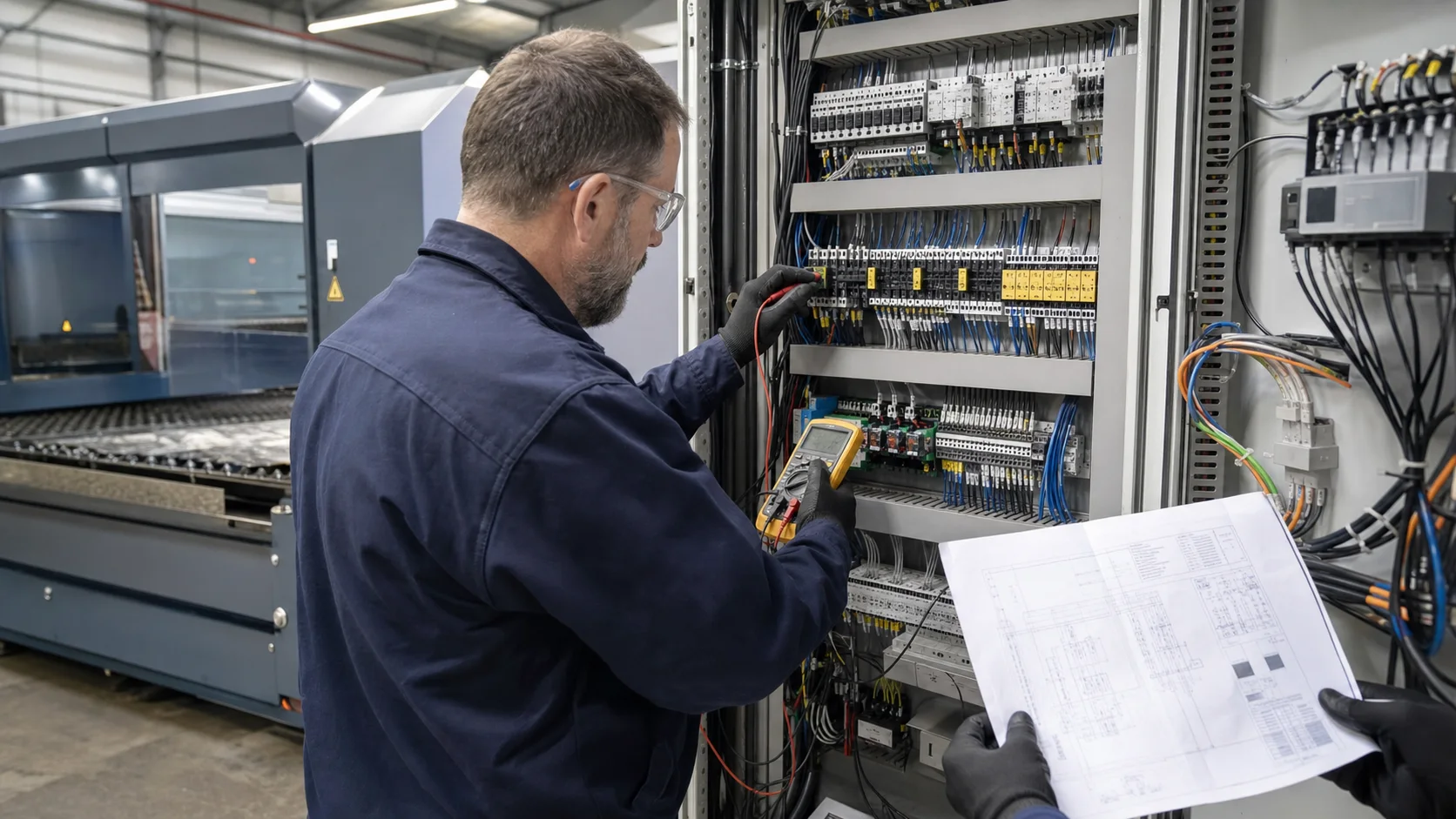
- Collect electrical, pneumatic, gas, cooling, extraction and safety drawings; mark undocumented changes.
- Measure mechanical accuracy, backlash, gantry squareness, slat-bed condition and axis performance before increasing speed or power.
- Define materials, thickness range, assist gases, daily output, quality limits and target laser power.
Hardware and integration scope
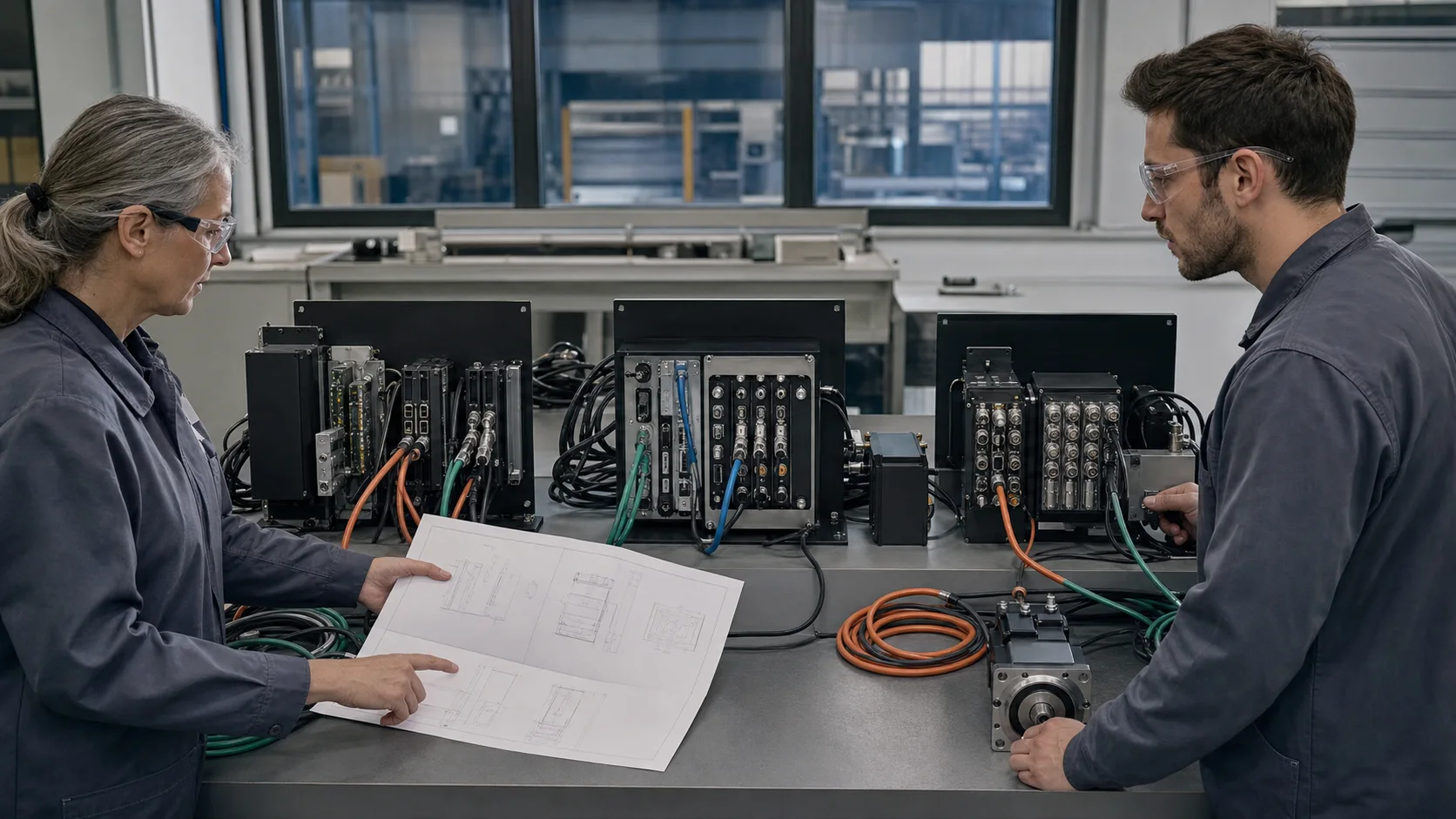
- Back up machine and process data, then verify the target Bochu hardware/software combination against official support information.
- Industrial PC or operator console, controller and licensed software matched as one supported set.
- Servo/encoder interfaces, fieldbus couplers, remote I/O, safety relays and galvanic isolation where required.
- Capacitive height control, cutting-head signals, laser modulation, gas valves, chiller and extraction interlocks.
- Documented terminal numbering, cable shielding, grounding, spare I/O and service access for future maintenance.
Implementation workflow
- 01
Define the decision: Record machine model, serial number, year, working area and automation options.
- 02
Capture the machine baseline: Audit an existing CypCut/FSCUT installation before changing controller hardware, software, licenses, servo interfaces, height control, cutting head, laser power or process database.
- 03
Freeze the integration architecture: Back up machine and process data, then verify the target Bochu hardware/software combination against official support information.
- 04
Prepare the outage: Issue the retrofit architecture, I/O matrix, bill of materials, risk register, rollback plan and outage schedule.
- 05
Commission through controlled gates: A software update can expose unsupported licenses, obsolete cards, changed parameters or incompatible process databases. Commission axes at low speed, tune following error and height control, validate gas and laser signals, then build process tables progressively.
- 06
Prove production acceptance: Compare backup restore, homing, height calibration, nesting, process tables and identical sample cuts before and after upgrade.
Detailed engineering notes
Decision boundary
Treat the installed software, controller revision and license as a recorded set. Keep a tested return path to that set until the upgraded configuration passes the agreed functional and sample-cut checks.
Reusable assets and integration limits
The frame, gantry, rails, drives, motors, extraction, gas train and automation should be assessed independently. A part that powers on is not automatically suitable for higher acceleration, a different control loop or higher laser power.
Interface evidence
Identify controller, industrial PC, servo drives, encoders, fieldbus, remote I/O and height-control hardware. Industrial PC or operator console, controller and licensed software matched as one supported set.
Safety case
Trace emergency stops, enclosure doors, light curtains, laser-enable chain, gas pressure, cooling flow, extraction and motion brakes. Each device needs a defined safe response and a recorded validation test after wiring changes.
Controlled commissioning
Verify power distribution and protective earth first, then I/O, fieldbus, axis direction, limits, homing, low-speed motion, servo tuning, height control, gas, laser enable and finally cutting. Do not combine first motion and first laser emission into one test.
Production proof
Use the customer's normal materials, thicknesses and quality criteria. Record nozzle, focus, gas, power, speed, piercing and inspection results, then compare repeatability across more than one sheet.
Handover and support
Train operators on daily use and maintenance staff on backups, alarms, I/O diagnostics and safe replacement procedures. Store the final drawings and software image in at least two controlled locations.
Risks and limitations
- A software update can expose unsupported licenses, obsolete cards, changed parameters or incompatible process databases.
- A new controller cannot correct worn rails, backlash, frame distortion or an unstable cutting bed.
- Bypassed or incompletely mapped interlocks create unacceptable personnel and equipment risk.
- Unverified licenses, firmware, servo compatibility or undocumented OEM logic can extend downtime.
Acceptance criteria
- Compare backup restore, homing, height calibration, nesting, process tables and identical sample cuts before and after upgrade.
- All emergency stops, doors, light curtains, pressure, cooling and extraction interlocks stop hazardous motion or laser emission as designed.
- Axis travel, homing, limit switches, following error, repeatability and contour accuracy meet the agreed baseline.
- Cut coupons cover representative materials and thicknesses, including holes, corners, common-line cuts and piercing.
- Backups, drawings, parameter sets, licenses, spare-parts list, operator training and maintenance handover are complete.
How to Upgrade an Existing CypCut Laser System
Should CypCut always be upgraded to the newest software?
No. The correct version is the one officially supported by the installed controller, license and connected hardware, after backup and validation.
Which CypCut version, license and FSCUT board combination is supported?
Check the exact software build, FSCUT model and board revision, license and operating-system requirements in the supplier's current support information. A newer download alone does not prove compatibility.
How should process libraries and parameters be backed up before upgrading?
Export machine parameters, process libraries, PLC or logic files and license records; retain the installer and system image where supported. Verify the restore procedure before changing the system.
Which homing and height-calibration checks prove a safe CypCut upgrade?
Compare axis direction, homing, limits and height response with the saved baseline. Follow with safety checks and identical sample cuts; record any changed parameters and acceptance results.
Can the final hardware be selected from photos alone?
No. Photos help identify the machine, but drawings, controller/drive data, I/O measurements, safety logic and mechanical checks are required before a binding scope.
How is retrofit downtime controlled?
Pre-engineering, cabinet preparation, software staging and acceptance planning are completed before shutdown. The schedule still includes contingency for undocumented wiring or failed legacy parts.
Related technical guides
Official technical references
Platform names describe product families, not guaranteed retrofit compatibility. Final software, controller and license selection follows a machine survey.