Prepared by: Arkmex · Content updated:
General planning guidance; a machine-specific survey and the agreed technical scope take precedence. Official references are listed below.
Engineering takeaways
- CypCut is positioned as integrated CAD/Nest/CAM for fiber sheet cutting; platform selection should follow machine architecture, not marketing rank.
- Compare supported configurations, not software names alone.
- Treat the official product positioning as a starting point; confirm the exact version and license.
Start with the installed machine
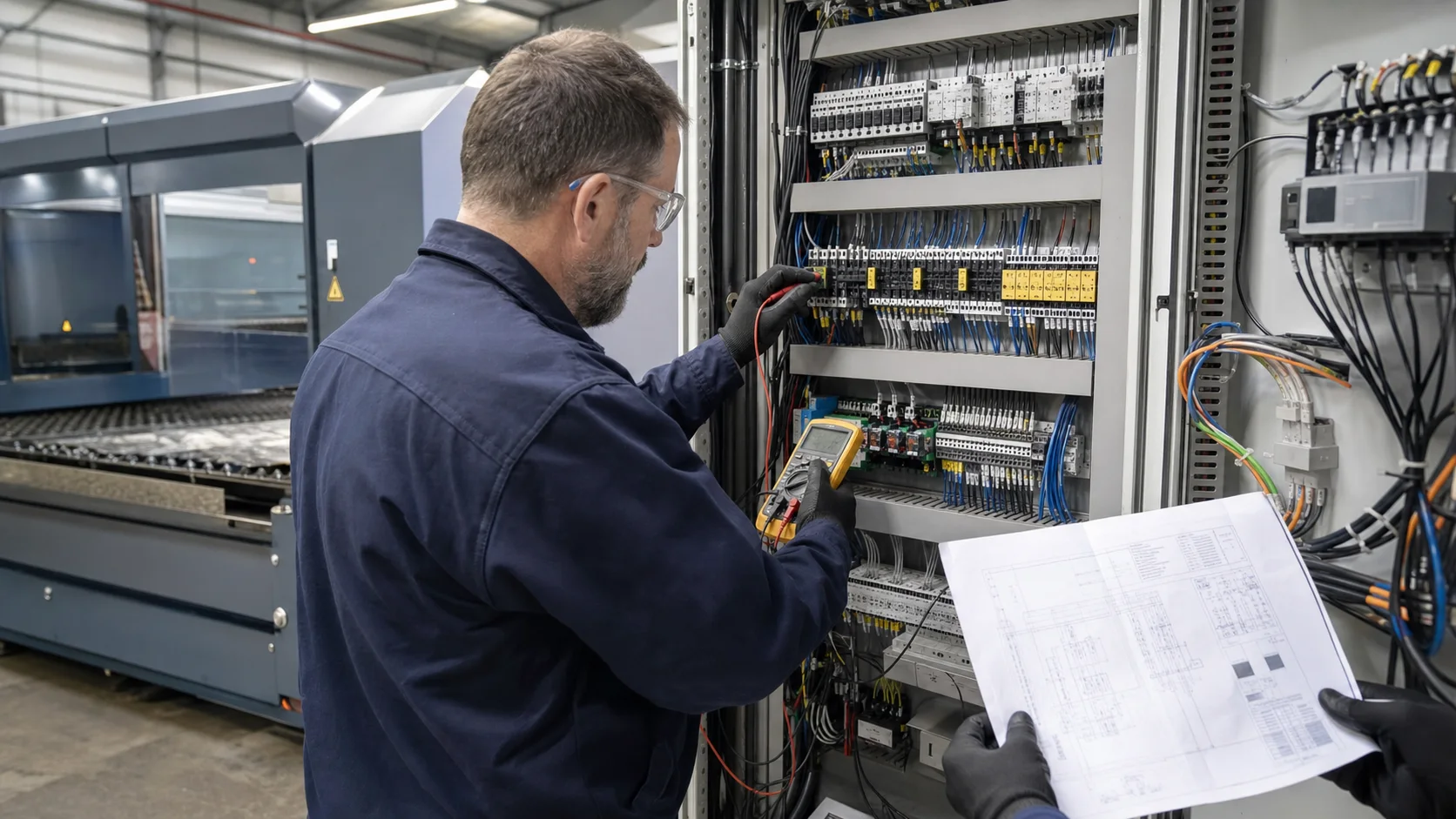
Record controller model, board revision, software build, licenses, drive command interface, cutting head, source and automation. A familiar screen or an EtherCAT connector does not prove that an existing drive or safety function is supported. Ask for written confirmation of the complete configuration before ordering.
Compare the platform families
BOCHU describes CypCut as sheet-cutting software integrating drawing, nesting and machining. CypCutPro is positioned for medium- and high-power EtherCAT cutting; HypCut targets high-power production with advanced process and production functions. This positioning does not establish a universal power threshold or compatibility with every FSCUT controller. Use the official product pages linked below for the current feature descriptions.
| Platform | Published product focus | Check before selection |
|---|---|---|
| CypCut | CAD, nesting and CAM for sheet cutting | Required process functions and supported control hardware |
| CypCutPro | EtherCAT control, mainly medium- and high-power cutting | Controller, drive compatibility and licensed process options |
| HypCut | High-power cutting and production planning | Machine automation, integration scope and production workflow |
Build a requirement-to-feature matrix
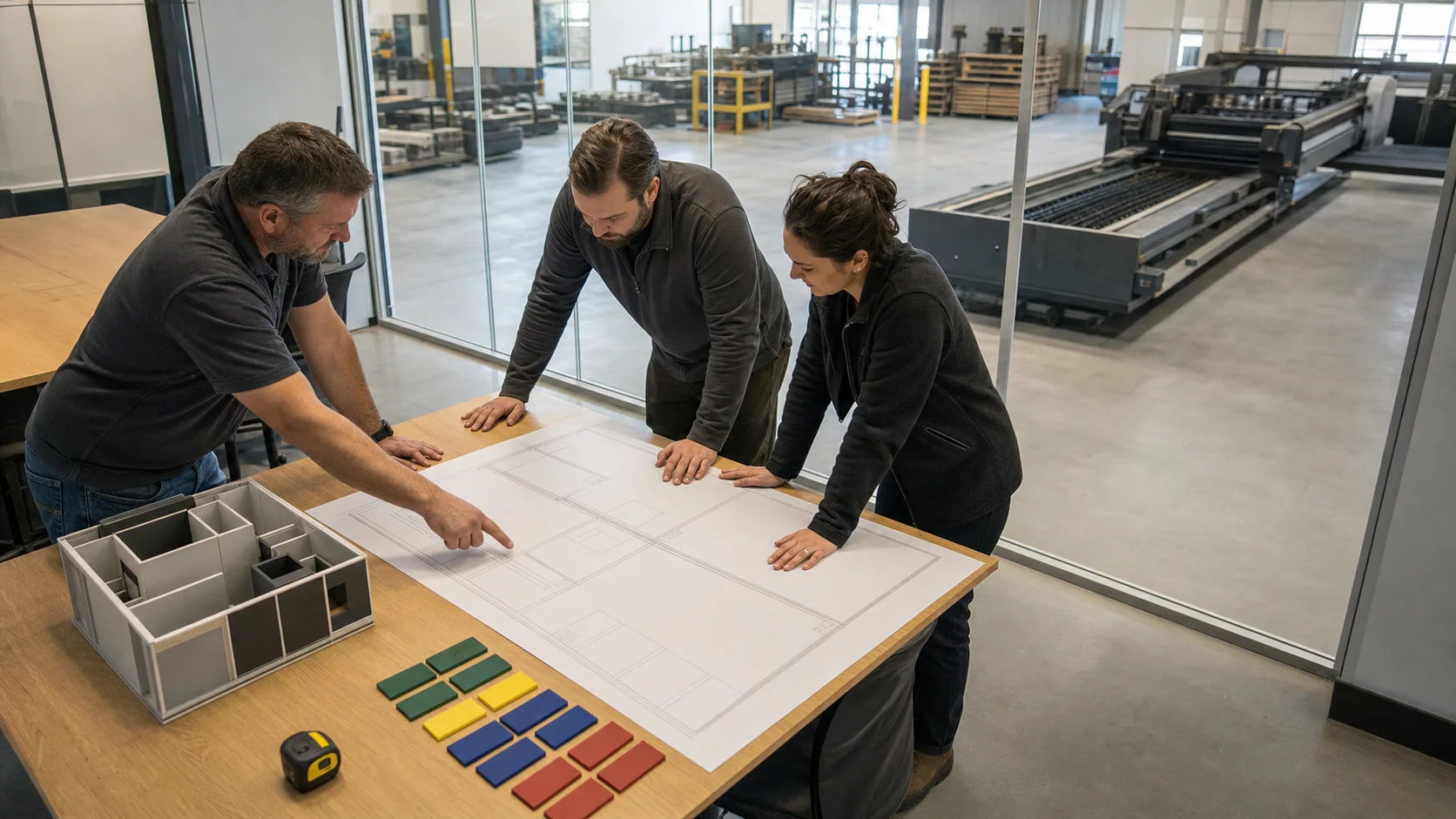
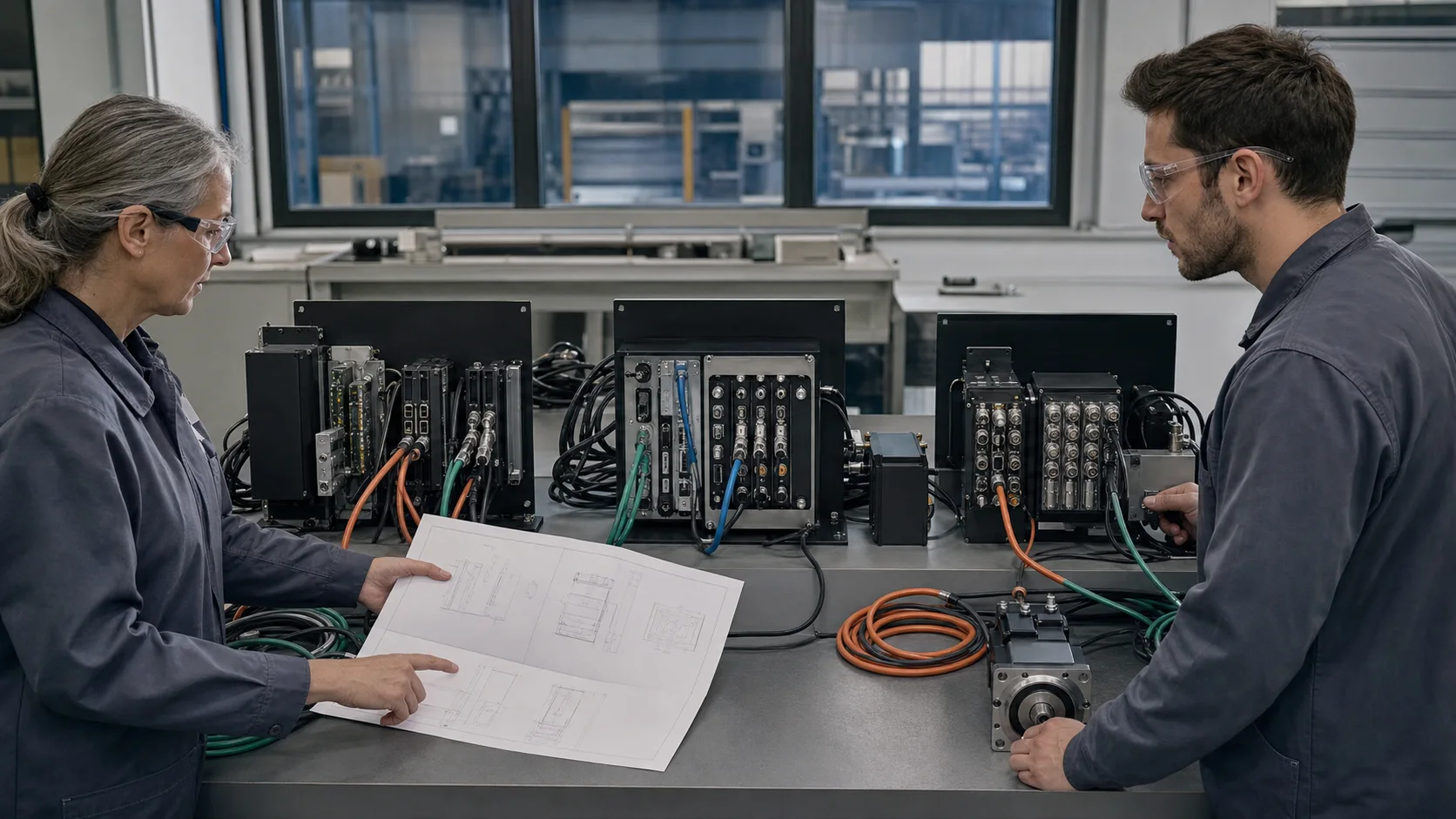
For each required function, record the proposed software build, controller, license and peripheral dependency. Compare CAD import, nesting, piercing, height control, alarms, job handling and backup recovery on the same representative parts. Distinguish an included feature from an optional license or extra hardware; document any unverified item before accepting the quote.
Validate the production workflow
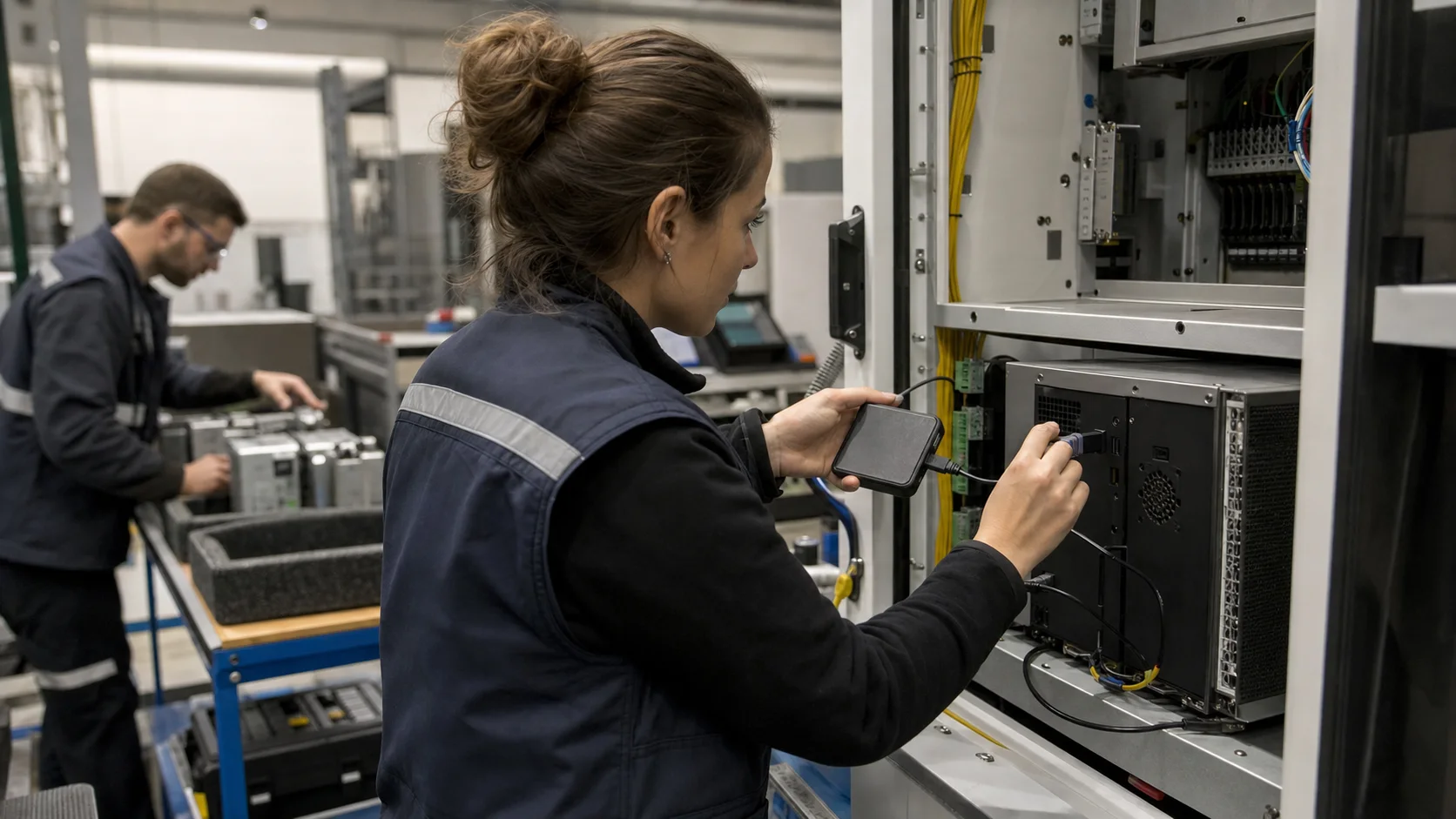
Agree a demonstration covering file preparation, machine setup, cutting, alarm recovery and parameter backup. Check that operators can repeat the workflow and that maintainers can restore the approved configuration. HypCut is not automatically the better choice: select the supported system that meets the documented workload without unnecessary integration complexity.
CypCut vs CypCutPro vs HypCut Selection Guide
Is HypCut always better than CypCutPro?
No. HypCut is positioned for high-power workflows, while CypCutPro targets medium/high-power EtherCAT systems. The better choice is the supported platform that matches the machine and required processes.
Which power range and bus architecture separates CypCutPro from HypCut?
CypCutPro's official positioning emphasizes medium/high-power EtherCAT cutting; HypCut emphasizes high-power production. Confirm a numeric power range for the exact supported hardware, not the name alone.
Which controller, head and license boundaries limit platform functions?
Record the controller model and revision, supported head and sensors, software build and license options. Features may depend on extra hardware or licensed modules.
How should a buyer compare nesting, process and production workflow needs?
Run the same CAD file through preparation, nesting, cutting and recovery. Compare usable functions, accepted parts, operator steps and restore capability against the written requirements.
Related technical guides
Official technical references
Platform names describe product families, not guaranteed retrofit compatibility. Final software, controller and license selection follows a machine survey.